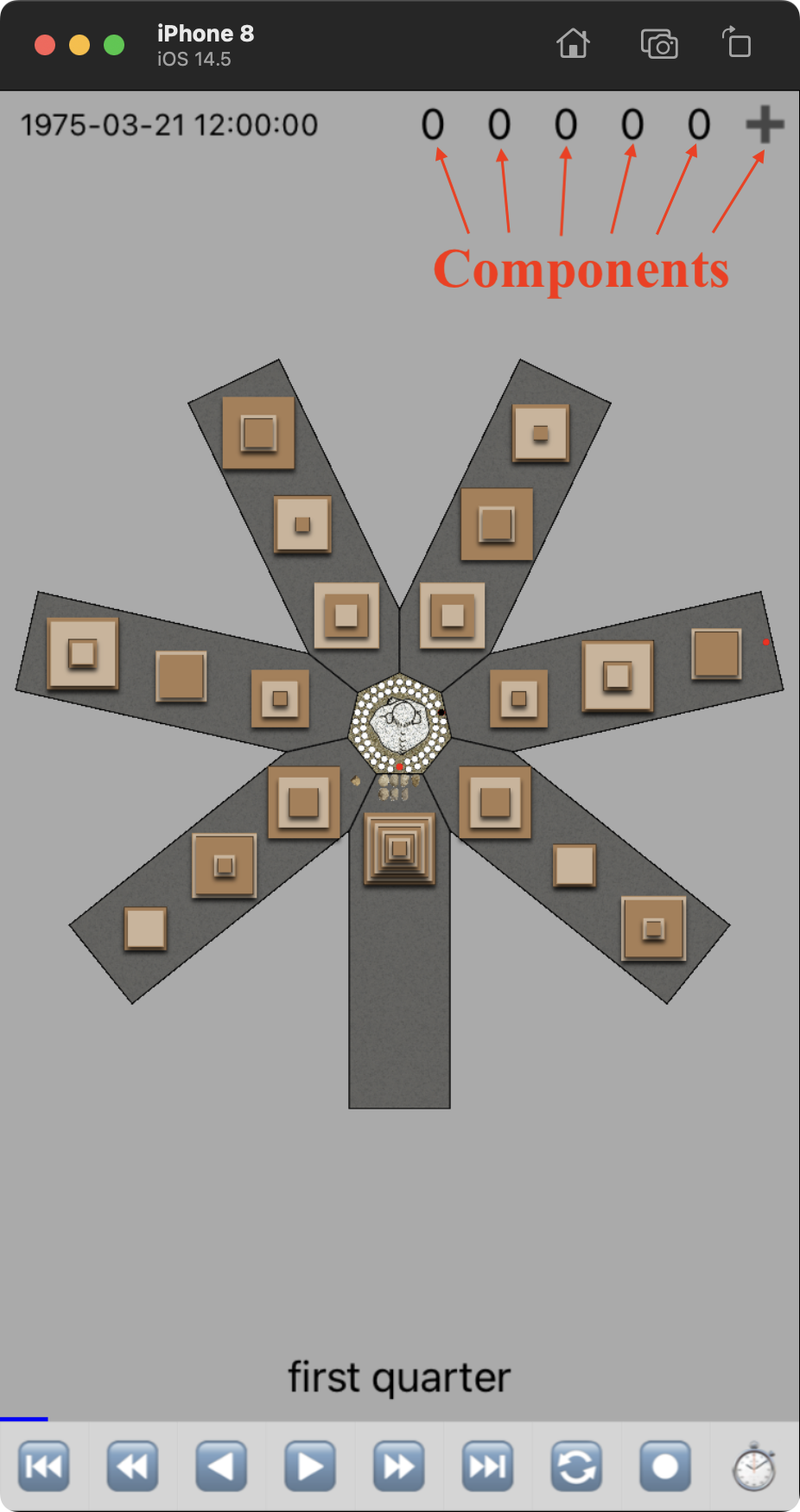
| Button | Explanation |
 | Go backward one cycle (33 years). |
 | Go back one Troll Calendar Metonic Cycle (19 quints). |
 | Go back one day, animating tile moves. |
 | Go forward one day, animating tile moves. |
 | Go forward one Troll Calendar Metonic Cycle (19 quints). |
 | Go forward on cycle (33 years). |
 | Go forward to the next full or new moon. This button can be used to find Easter. First find the spring equinox (all tiles on a single stack in March). Then use this button to go to th next full moon. Then go one day at a time until Sunday. The result is the Troll Calendar's idea of Easter. |
 | Go to the Troll Calendar epoch. This is the start of the troll calendar |
 | Go to the current date/time and start the timer to update the date/time at the top of the screen. |